
Making Online Learning Accessible | Second Edition Available in One Week!
Putting the final touches on the book - and spending more time than I want to formatting it for both Kindle and paperback.

It’s one week until book (re)launch!
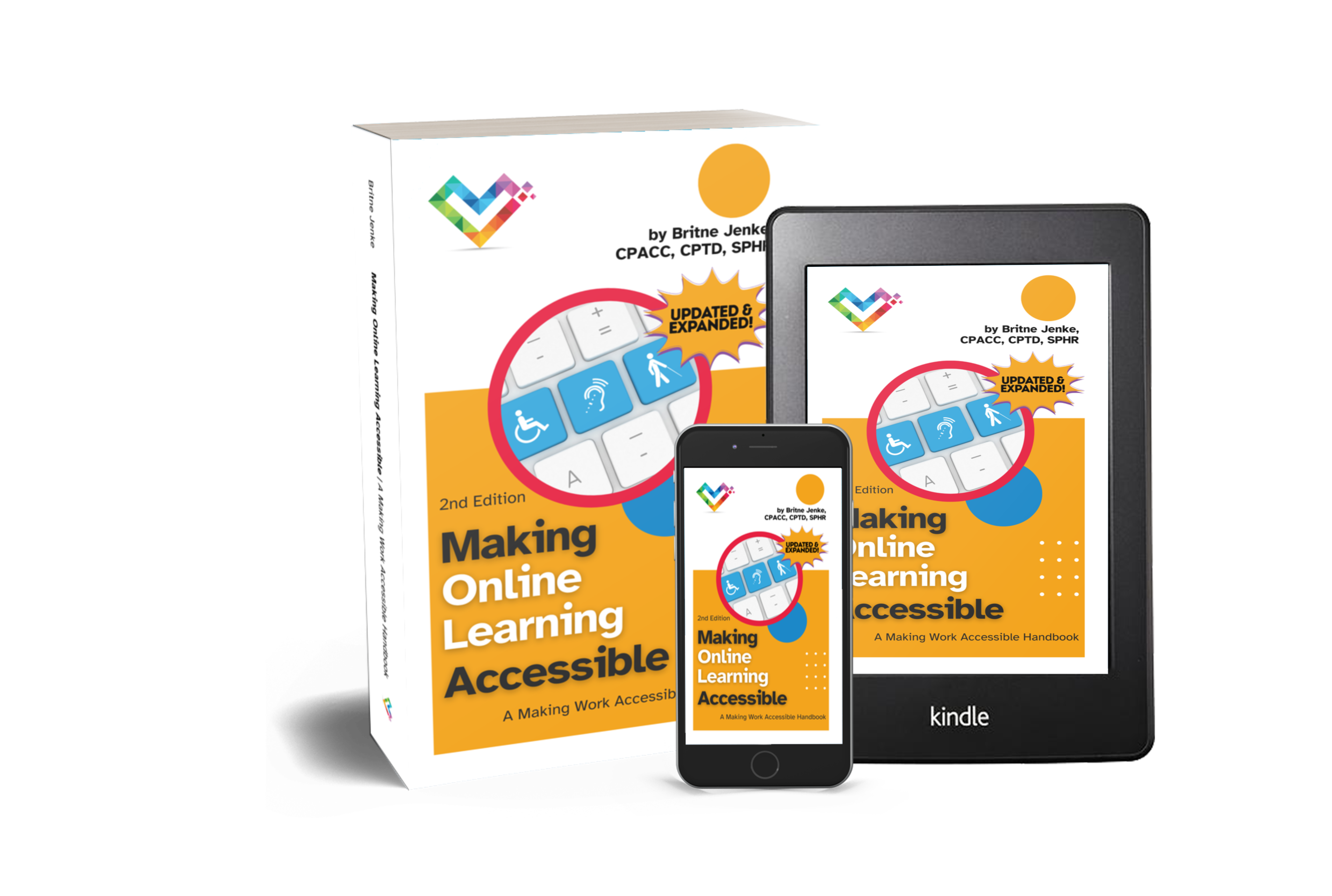
Updated Cover
I finally stopped playing with the cover and made a new mockup image. Coming soon to paperback, Kindle, and PDF! (Seriously, Kindle formatting was a disaster, but a learning experience nonetheless. The paperback will be extra beautiful though!)
Updated & Expanded Content
You’ll find expanded content throughout, based on posts like these:


From “How to Use This Book”
Minimum, Recommended, Advanced
Within each topic, the accessibility principles are broken down into minimum, recommended, and advanced suggestions, giving friendlier names to WCAG 2.2 Levels A-AAA. Other accessible design suggestions and best practices from government agencies, researchers, and other publications are also included.
Do the “Minimum” things to ensure basic accessibility. Do the “Recommended” and “Advanced” options to make your online learning even more accessible. This book will also briefly cover the kinds of disabilities you can accommodate thanks to these recommendations and practices.
Why the change from “Must Do, Should Do, Could Do?”
Very simply… the more I looked at it, the more I didn’t like it! I tried to simplify things, but I felt I went a bit too far. I’ve updated the categories for guidelines to use “Minimum, Recommended, Advanced” instead.
More Resource Updates
Unfortunately, a resource I cited often, the BDA (British Dyslexia Association) Dyslexia Style Guide, has gone missing from the interwebs, but I found another resource: Ako Aotearoa’s guide!
I added Accessible Social and a few other favorites from my Linktree resource list, and spent some time on the updated digital.gov pages locating any resources that still exist after the latest change in administration.
Plain Language: https://digital.gov/guides/plain-language
Accessibility: https://digital.gov/topics/accessibility
Social Media: https://digital.gov/topics/social-media
Subscriber Preview
Finally, an excerpt from the updated and expanded Appendix section: everything you wanted to know about the accessibility of authoring tools and platforms! Read on for advice on choosing from the various tools out there, and of course, my own personal recommendations from years of practice.
Choosing Authoring Tools and Platforms with Accessibility Features
Before procuring any tool for online learning content creation or distribution, it’s important to consider both the accessibility of the platform itself, and how accessible the content created using the platform is for learners.
A great tool acts like a spell-checker for accessibility. When evaluating a tool, look for these specific features:
Real-time Accessibility Checkers: Does the tool flag a lack of color contrast or missing headers while you are typing?
Guided Correction: Instead of just saying “Error,” does the tool explain how to fix it?
Defaulting to Accessible: When you insert a video, does the tool automatically create a placeholder for a transcript or captions?
The best tools don’t treat accessibility as a “final scan.” They integrate it into the creative workflow so that “done” also means “accessible.”
VPATs & ACRs
A VPAT, or Voluntary Product Accessibility Template, is a self-assessment tool used by software vendors to show how their product conforms to various accessibility standards.
An ACR, or Accessibility Conformance Report, is the result of using the VPAT and should be recent, detailed, and acknowledging any known gaps. No complex software is perfectly accessible, so beware of “perfect” scores.
Recommended Authoring Tools and Platforms
LMS Accessibility
This page briefly introduces the ATAG (Authoring Tool Accessibility Guidelines) standard to help make your learning management system (LMS) and other education tools accessible to people with disabilities: https://www.w3.org/WAI/standards-guidelines/atag/education/
eLearning Content Creation
Articulate Storyline 360 offers the most granular control, including a sophisticated accessibility checker that now uses AI to suggest alt-text and help manage complex “Tab Order” for screen readers. Rise 360 is the “accessible by default” choice, ideal for mobile-responsive content, though it is less flexible. Creators should note that while it handles text and images beautifully, certain interactive blocks still require alternative versions to be fully accessible. https://www.articulate.com/about/accessibility/
Live Training & Audience Participation
Zoom remains an industry leader in synchronous accessibility, offering robust support for screen readers, customizable keyboard shortcuts, and multi-spotlight features to keep sign language interpreters visible. Their 2026 updates have integrated “AI Companion” features that provide real-time automated captions and meeting summaries, though authors should still prioritize human-generated captions for high-stakes or legally mandated accommodations. https://zoom.com/en/accessibility/
Mentimeter stands out for its proactive approach, featuring a built-in “Accessibility Check” that audits presentations for color contrast and missing alt-text before they go live. Poll Everywhere provides a deeply detailed Accessibility Remediation Plan for 2026, but authors must be wary of specific interactive types which still present significant barriers for screen reader users compared to their more accessible multiple-choice options.

Accessible Documents
Venngage has carved a niche as a top-tier accessible design tool by integrating an AI-powered accessibility checker that automatically tags PDF structures for headers, tables, and lists. Their platform includes a “Visual Simulator” that allows authors to view their designs through the lens of various vision impairments (like color blindness), ensuring that infographics are perceivable by all before they are published. https://venngage.com/features/accessible

A Note on Overlays
You may be familiar with accessibility overlays, or small code widgets you can add to a platform or website that promise various accessibility features. Most accessibility professionals strongly caution against using overlays, for many reasons. https://overlayfactsheet.com
Signed by over 1000 accessibility professionals. Check out #983!
Thanks for reading the extra content! I’d love to hear your thoughts on the updated Making Online Learning Accessible, Second Edition. Leave a comment on this post, follow the book series on Bluesky, or email me at britne@a11ybook.com. (And preorder today! It’s included in your Kindle Unlimited membership, if you have one!)